Digital inputs
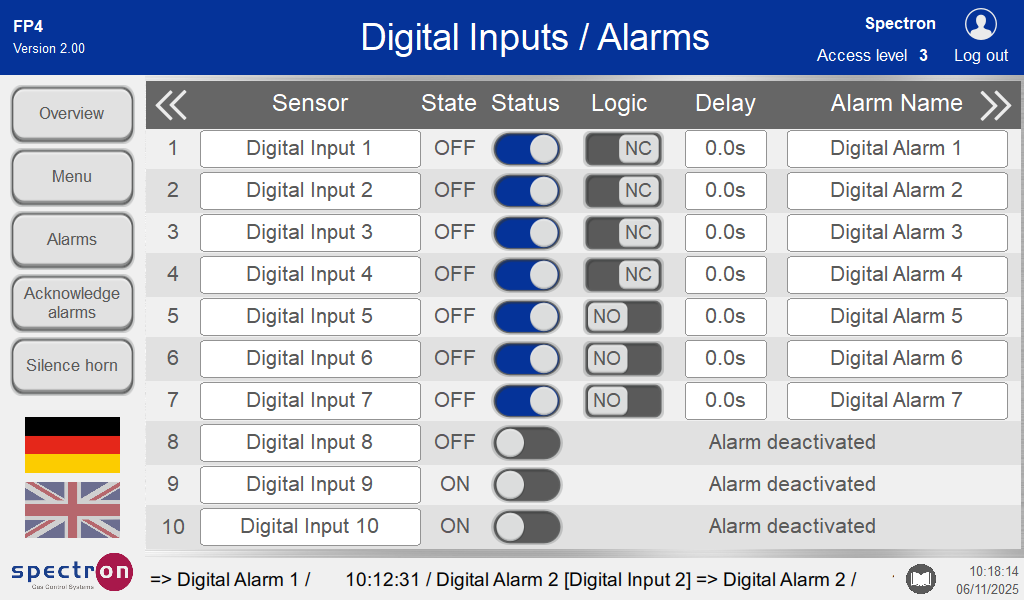
Press the name of a digital input to change it.
Switching in the "Status" column activates the input.
The alarm names can be changed by clicking on the respective field.
The status (normally open NO or normally closed NC), as well as the desired delay can be set.
The analogue input 1 can be switched on or off as a purge monitoring sensor by pressing the button under purge monitoring.
Pressing the double arrow to the right will take you to the digital alarm configuration. Various alarm actions can be assigned to the respective alarms there.
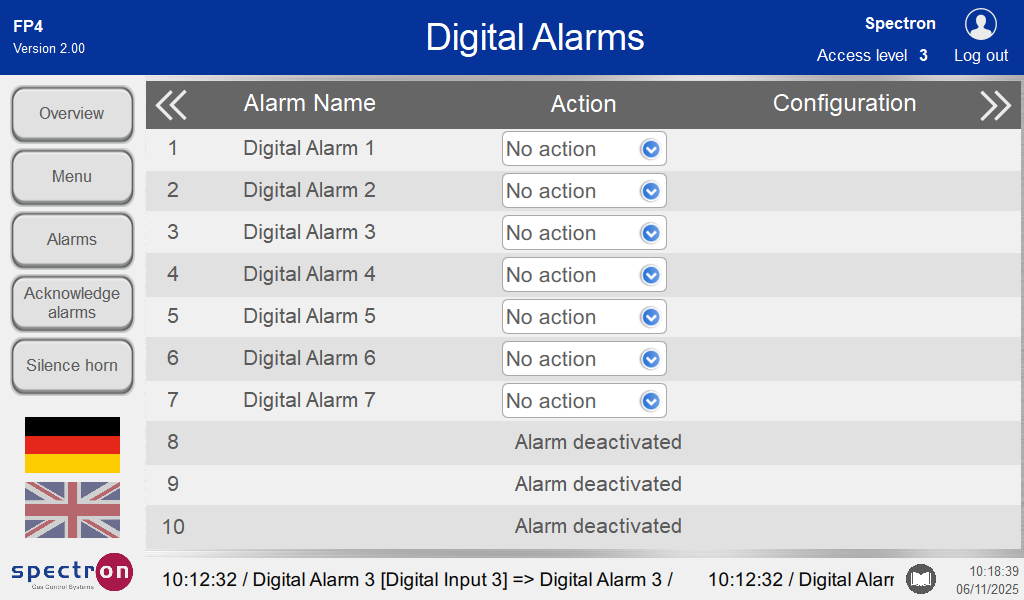
Press "No action" to select the desired alarm action from the drop-down menu.
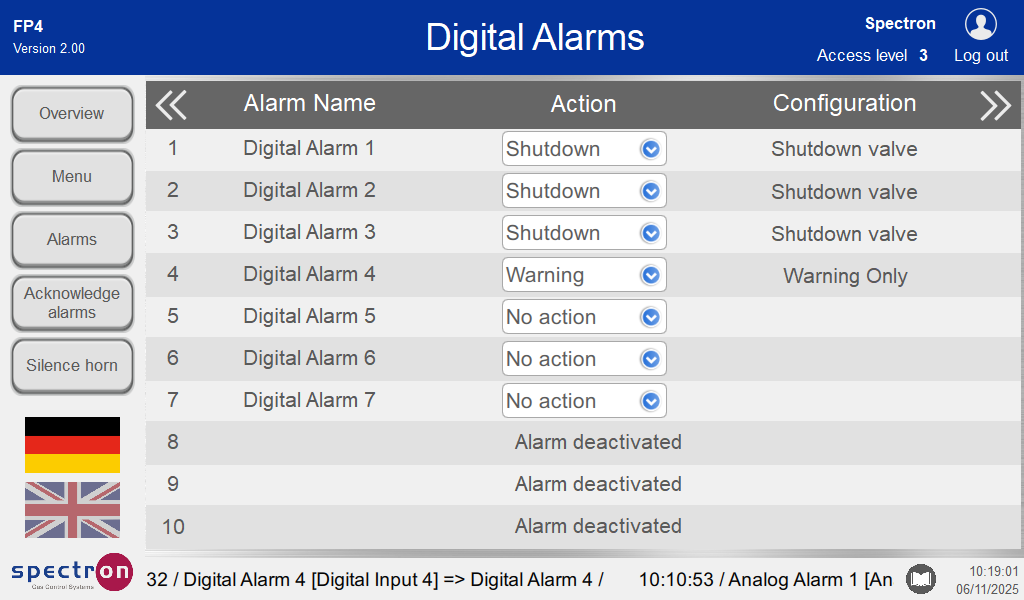
These are the possible settings for alarm actions: see Analogue inputs
Alarm input 4 is purely a warning alarm.
Pressing Menu will take you back to the configuration menu.