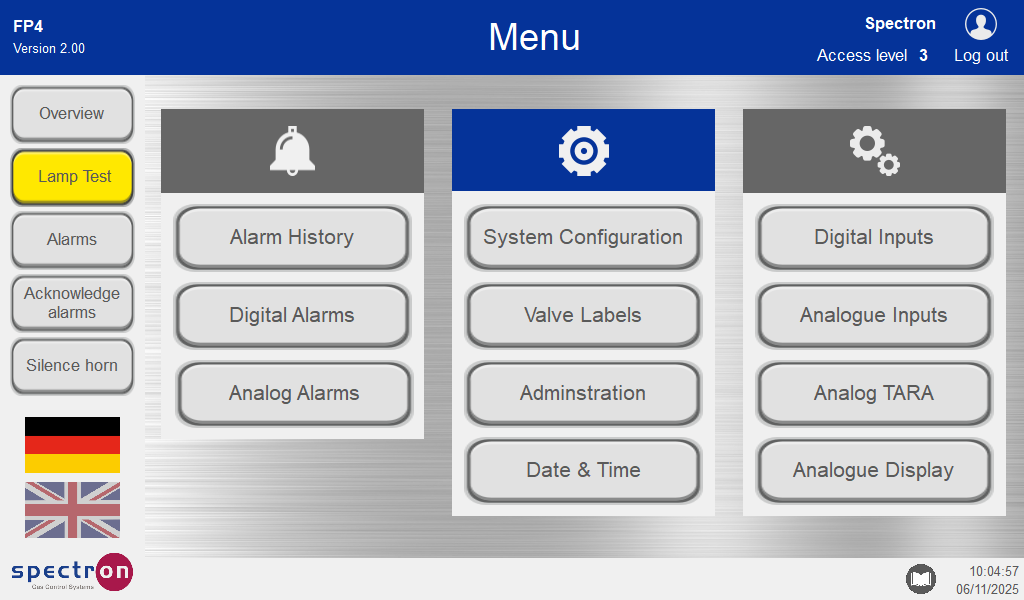
Configuration
On power up, the following screen will be displayed:
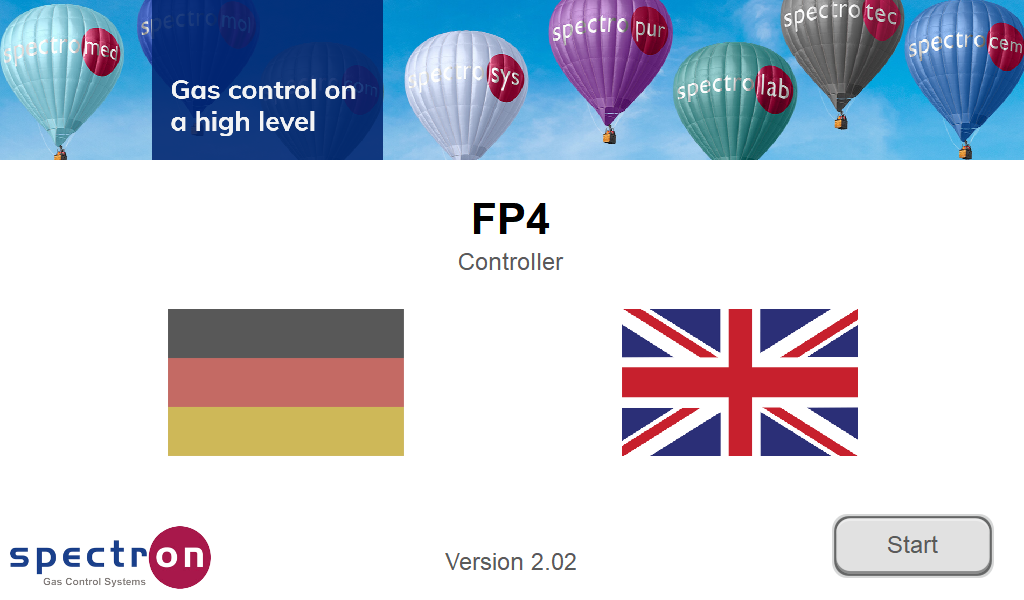
Pressing the flag sets the system language. Other language libraries available on request.
All system on-screen instructions and alarm messages are displayed in the corresponding language.
Press "Start" to display the system overview.
When the system is first installed, the default values are loaded into all system variables.
After the system has been adapted to the user's requirements, these values are stored in battery-buffered memories.
When the device is switched on again, it is restarted with the custom user settings.
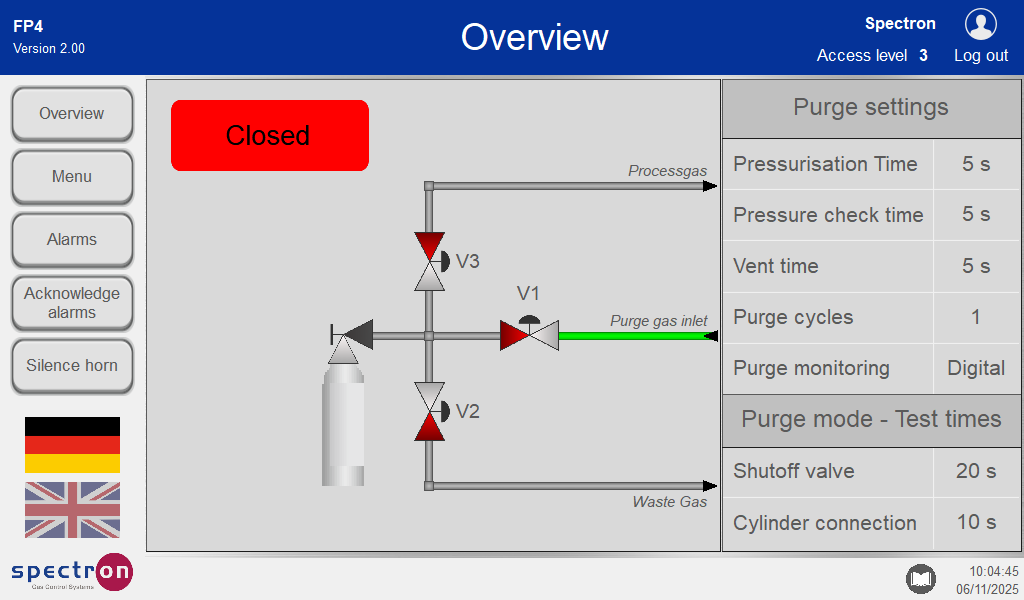
Overview Screen when first switched on without adaptation to customer requirements:
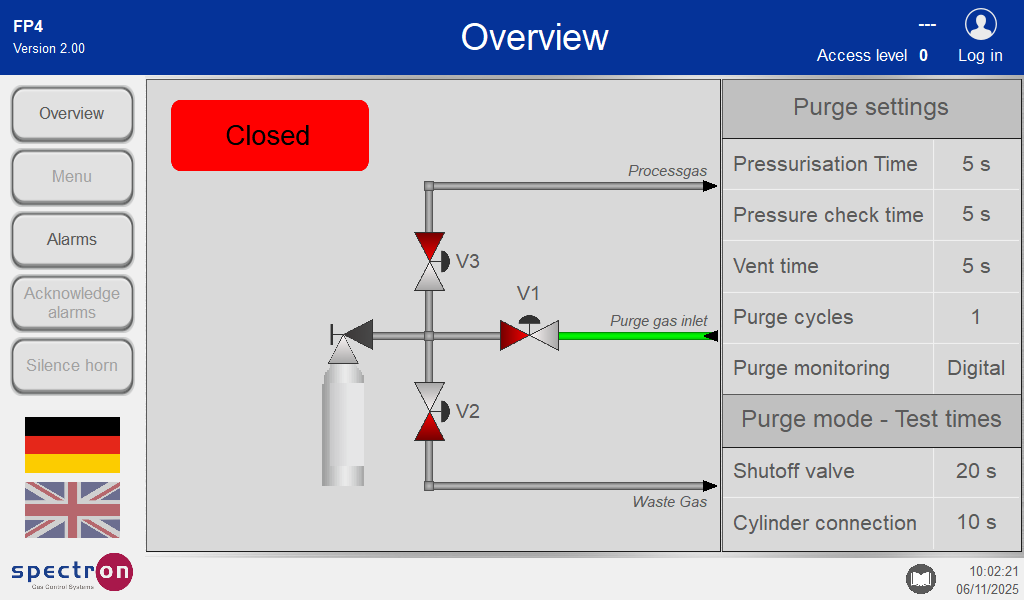
To configure the system, first press "Log in".
Enter your user name and password in the following window.
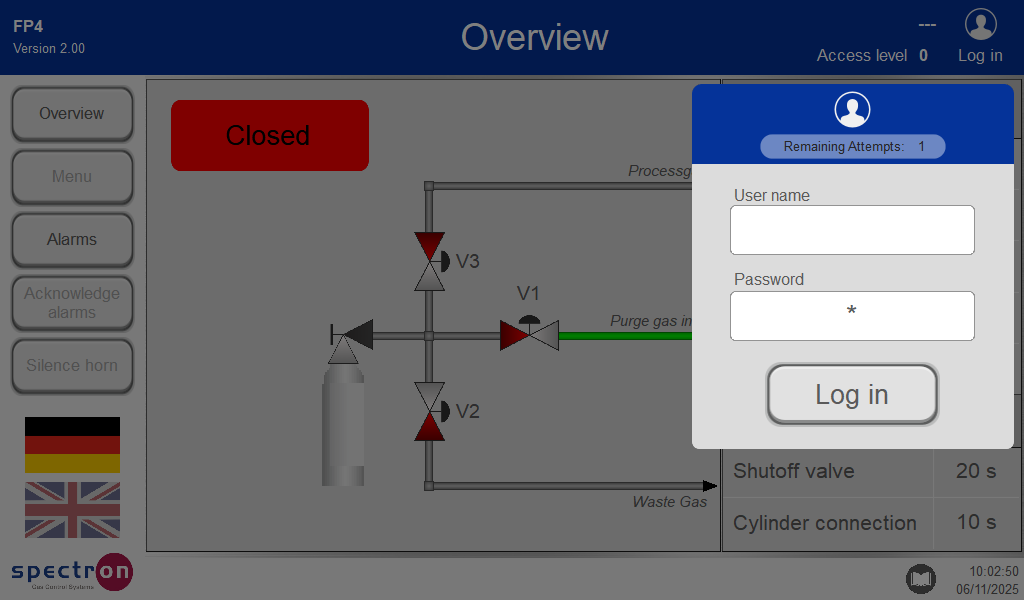
The factory-set user name is User 1.
All entries must be confirmed with Enter.
The factory-set password is 1111. This gives you level 3 system access rights. In the "User management" menu you can change the user and password settings.
If a valid password has been entered, the login window displays the user name and access level for that password. If the password is entered incorrectly three times, entries will be blocked automatically for one minute. Pressing "Log out" logs out the user and removes the associated system access rights. 10 minutes after logging in, the user will be logged out automatically. This time can be customised in User management.
Press "Menu" to display the configuration menu.