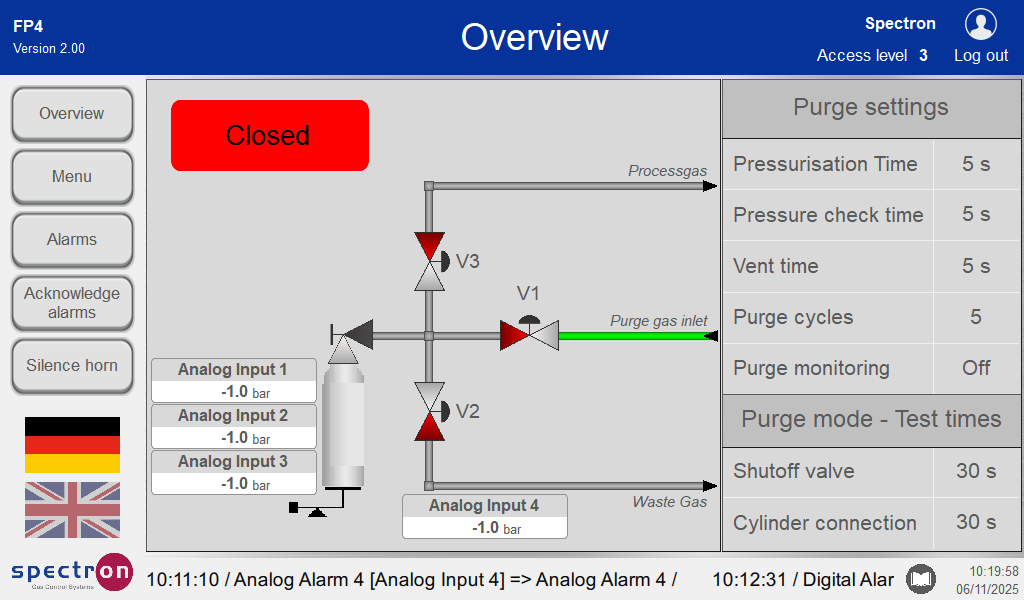
Assignment of the analogue inputs
Analogue values can be displayed in the overview screen.
To do this, select "Analogue Displays" in the configuration menu.
To assign these values to the display, press the respective drop-down menu to select the desired analogue input.
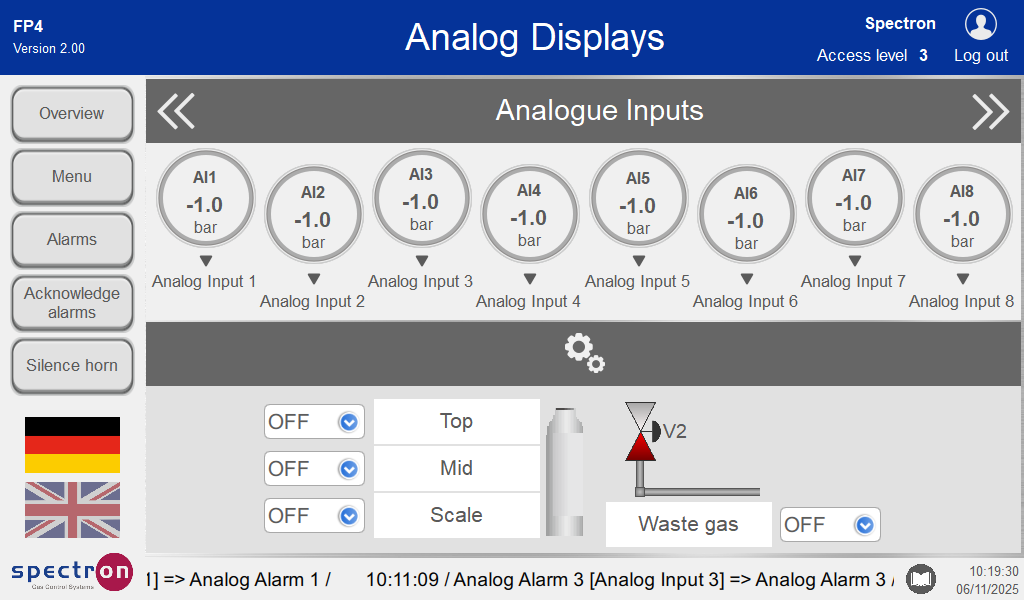
The display "Scale" automatically adds a cylinder scale icon in the standard overview if an analogue value is assigned to it. For this reason, this value should also come from a scale.
If an assignment is "OFF", the corresponding area in the overview screen remains empty.
Pressing "Menu" will take you back to the configuration menu.
Press "Overview" in the configuration menu to see the assigned displays.